
How to download your ID card on your cell phone
Have you ever found yourself in a situation where you needed your ID card and it was at home, forgotten?
I've been through that, and it's frustrating. How to download your ID card to your phone has become an incredible solution for those moments of trouble.
With that in mind, I've prepared this complete guide so you'll never be caught off guard again.


After all, having your digital identity accessible on your smartphone makes life much easier, doesn't it?
The Digital Revolution of Official Documents
Our lives are becoming increasingly interconnected, and documents have not been left out of this transformation.
The ability to have your ID card on your cell phone is a significant advancement that brings a lot of convenience.
Indeed, this digitization represents an important step towards the modernization of public services.
In the old days, carrying a wallet full of papers was the only option.
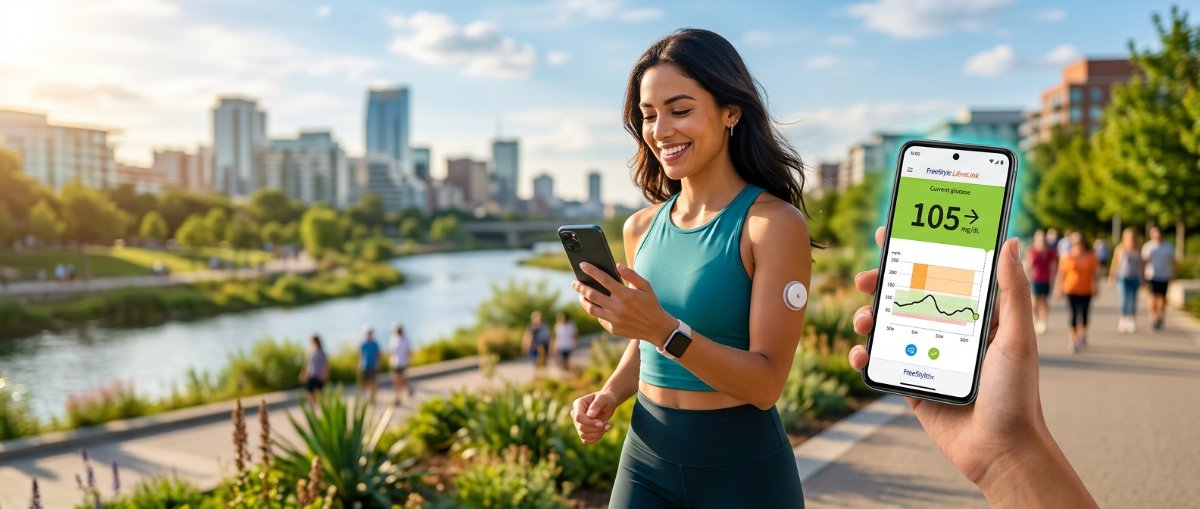

Today, however, we can access our identity and other important documents with just a few taps on the screen.
Furthermore, the security of these applications is robust, guaranteeing the protection of your personal data.
Top Apps for Having Your Documents Digital
For those seeking this convenience, there are official platforms that allow access to their documents.
Two apps stand out in this scenario.
First, we have the gov.br app, which centralizes various government services.
Secondly, although focused on licensing, the concept of digital documents is also exemplified by the CNH Digital app.
Both reflect the trend of making bureaucracy more accessible and practical for Brazilian citizens.
gov.br: The Official Hub for Your Digital Identity
The gov.br app is the most complete tool for those who want to download their ID card (RG) to their cell phone.
It allows you to access your National Identity Card (CIN) in a secure and convenient way.
To use it, you need to have a gov.br account with silver or gold security level.
Specifically, the validation process is simple and can be done via facial or banking biometrics.
Once validated, you can issue the digital version of your ID card, which has the same legal validity as the physical document.
In addition, the app offers access to several other government services.
- Advantages:
- Direct access to the National Identity Card (CIN).
- Integration with various other government services.
- High data security with silver and gold levels.
- Legal validity of the digital document.
- Disadvantages:
- A specific gov.br account level is required for issuing an ID card.
- Account validation may take some time.
You can download the gov.br app from Google Play for Android or the App Store for iOS.
Brazil's Digital Driver's License: More than just a Driver's License on your Cell Phone
Although the "CNH Digital do Brasil" app is primarily focused on the National Driver's License, it exemplifies the convenience of digital documents. It allows drivers to always have their CNH on hand, with the same validity as the physical document. This way, you avoid fines for forgetting to bring it.
However, it's important to point out that this app does not issue the RG (Brazilian National Identity Card). Its main function is the digital CNH (Brazilian Driver's License) and the CRLV (Vehicle Registration and Licensing Certificate). For the RG, the gov.br app is the correct tool, as we have seen previously.
- Advantages:
- Quick access to digital driver's licenses and vehicle registration certificates.
- It eliminates the need to carry the physical driver's license document.
- It has legal validity throughout the national territory.
- Notifications regarding driver's license expiration.
- Disadvantages:
- It does not allow downloading the ID card directly.
- Focused solely on traffic documents.
You can find the CNH Digital app on Google Play and the App Store.
Essential Tips for Digital Security
Having your documents on your phone is convenient, but security should be a priority. Always take precautions to protect your data. First, keep your smartphone secure with strong passwords and biometrics.
- Use complex passwords and enable two-factor authentication whenever possible.
- Keep your document applications up to date to ensure you have the latest security patches.
- Avoid public and unsecured Wi-Fi networks when accessing sensitive information.
- If your cell phone is lost or stolen, immediately block the device and change the passwords.
Having your ID card (RG) on your cell phone is a convenience that's here to stay, simplifying many everyday situations.
With the gov.br app, you get quick and secure access to your digital identity.
Furthermore, the Digital Driver's License complements this experience for drivers, showcasing the future of driver's documents.
I hope this guide has been helpful and that you make the most of this technology.
What other document would you like to see digitized?